
The Joint Admissions and Matriculation Board (JAMB) has officially released the results for the 2026 UTME mop up examination. The mop up test, which took place on Saturday, June 13, 2026, was organized for candidates who faced technical or biometric hitches during the main national exams.
With the official announcement by JAMB’s Public Communication Advisor, Fabian Benjamin, candidates can now access their scores through approved channels. See announcement: JAMB 2026 Mop Up UTME Results Are Out!
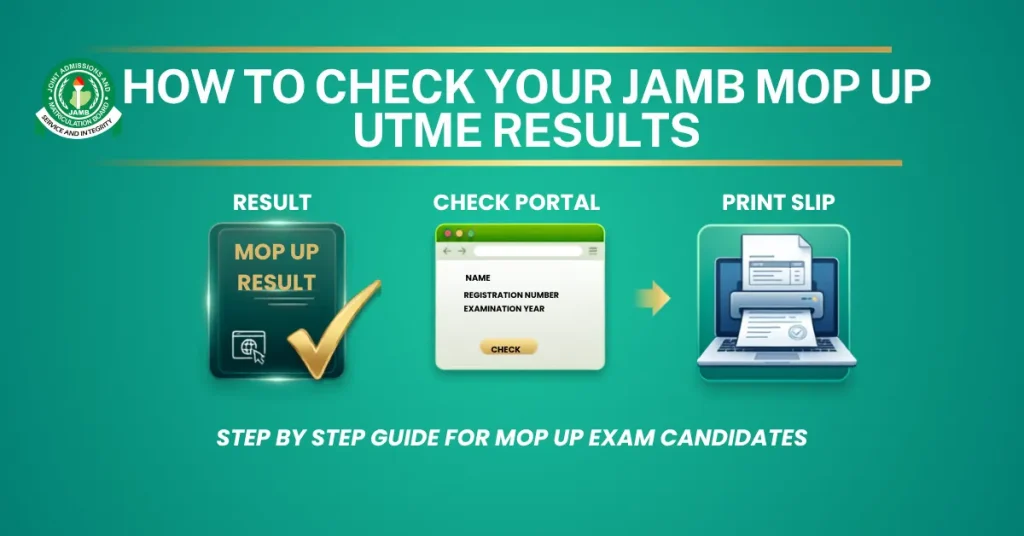
This step by step guide walks you through checking your performance via SMS and printing your official result slip from the online portal.
Step 1: Check Your Score via SMS (Fastest Method)
The quickest way to know your score immediately without an internet connection is by using the official JAMB SMS shortcodes.
- Locate Your Registration SIM: Ensure you are using the exact mobile phone number (MTN, Airtel, Glo, or 9mobile) that you used during your initial JAMB profile creation and registration.
- Load Airtime: Ensure you have at least ₦50 airtime on your mobile line to cover the network service fee.
- Compose the Text: Open your mobile messaging app. Type UTMERESULT as a single word in capital letters. Do not add spaces or symbols.
- Send the Command: Send the text to 55019 or 66019.
- Await Response: Within a few minutes, you will receive a direct text message detailing your scores for each subject alongside your total aggregate.
Step 2: Access the JAMB eFacility Portal
While SMS gives you your scores, you cannot use a text message for physical university clearance. To get a printable format, you must access the official portal.
- Open Your Browser: Launch a secure internet browser on your smartphone or computer.
- Visit the Portal: Navigate directly to the JAMB eFacility Portal. Avoid unsecured third party websites to keep your login profile safe.
- Log In: Input your registered email address and password created during registration, then click Login.
- Locate Result Feature: On your user dashboard, locate and click on the “Print Result Slip” option.
- Provide Details: Select 2026 as your examination year and type in your unique JAMB Registration Number into the requested column.
Step 3: Make Payment and Print Your Slip
Official JAMB result slips feature your passport photograph, complete institutional details, and verified scores.
- Complete the Payment: The portal will redirect you to a secure payment gateway (Remita). You are required to pay the standard processing fee (typically around ₦1,500) using your debit card or online banking.
- Download the PDF: Once your payment is approved, the portal will automatically generate your original 2026 UTME result slip. Click Download to save it directly to your device as a PDF file.
- Print the Hardcopy: Take the downloaded PDF file to any accredited JAMB CBT centre or a nearby business centre. Print at least two or three physical copies on clean A4 paper. Keep one copy safe for your records and reserve the others for your upcoming institutional Post UTME screening exercises.
Last Updated on June 16, 2026 by Ola Funmilayo

With over a decade of experience in education journalism, JAMB-GOV.ORG has become a trusted voice in providing relevant and comprehensive JAMB news reporting that matter most to students and educators nationwide.


